
UX strategy | app design | UI design
Safe daycare center app Unfallkasse NRW
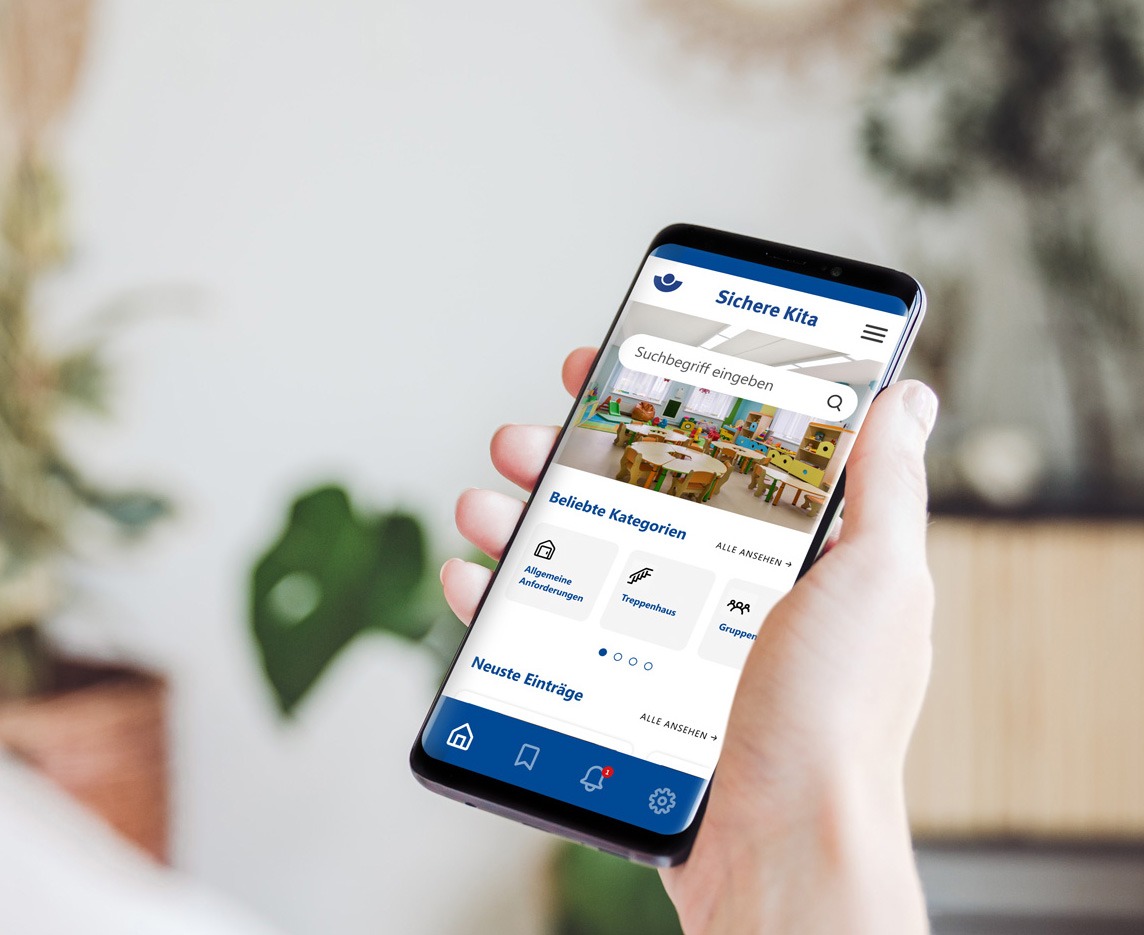
Unfallkasse NRW has commissioned an app for information on safety in daycare centers. The current information platform of the safe daycare center should serve as the basis.
The app is designed to provide users responsible for safety in the daycare center with all the information they need and display the latest legal regulations as notifications.
Methods & services
Analysis | Consulting | User Research | UX Design | UI Design | Design Guide
Challenges
The old information platform was to be adapted into a user-friendly app.
Designs and colors should be reused to ensure the recognition value of the old information platform.
A complex, confusing menu structure should be converted into a simpler menu navigation.
Goals
Intuitive user guidance.
Maximum added value through new, user-friendly functions.
Clear and user-friendly user interface.
Project phases
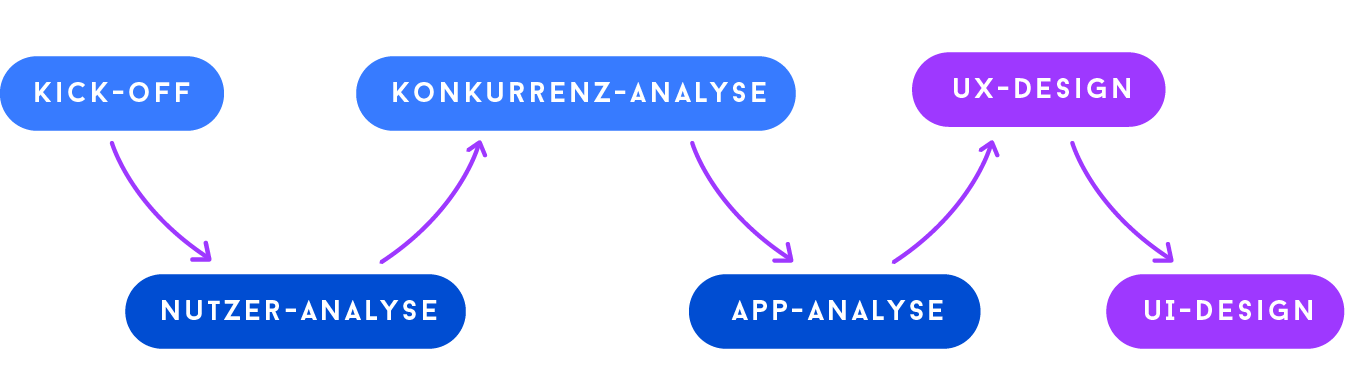

Project Kick-Off
The requirements and specifications for the new app were discussed in a kick-off meeting and open questions were clarified. The delivery dates and process were then agreed.
User analysis
Users of the app are responsible daycare center managers and employees who need to keep an overview of the legal requirements in the daycare center. It is important for them to be able to access and save the information quickly and easily. They want to be informed immediately of the latest changes so that they can take quick action and check the requirements.
Primary view during use:
As a mobile app, users can access all important information quickly and from anywhere via their smartphone.


App analysis
As the app was to be an adaptation of the existing information platform, all information was taken from the old platform. This meant that important data, such as the most frequently searched and accessed articles, could already be used to build the app. The search and the most important pages could also be prioritized and optimized based on the click analyses.
UX design
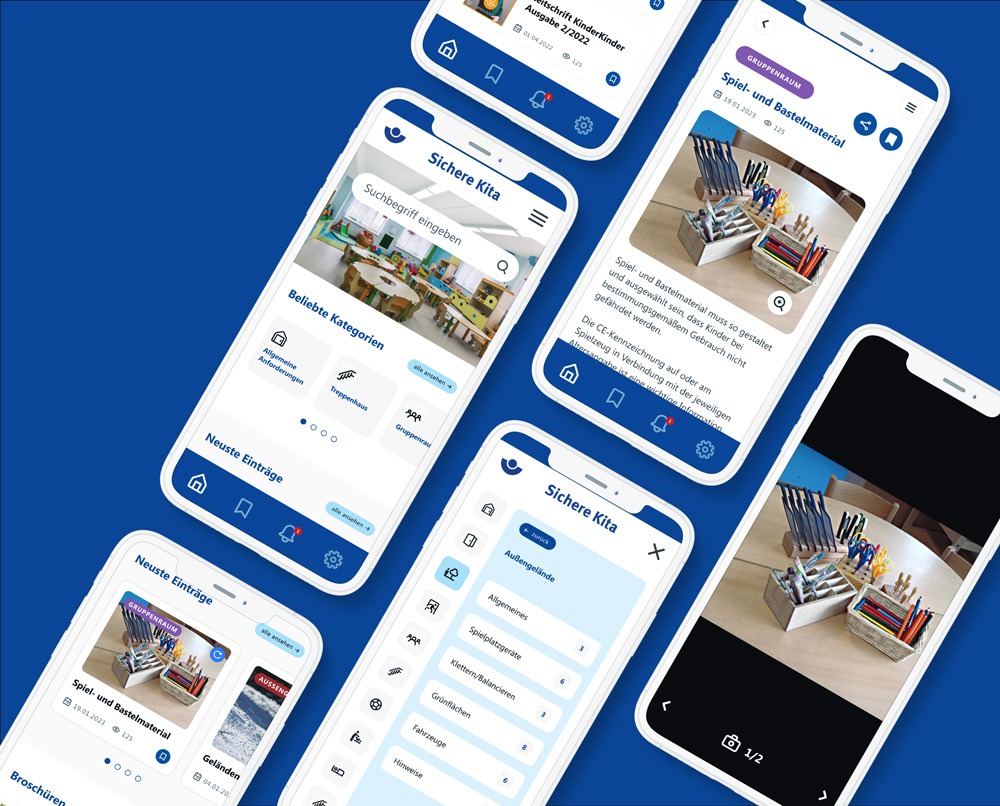
Based on the analyses and in consultation with the developers, I revised and optimized the menu navigation, the structure and the search function.
First and foremost, the app should contain the three most important functions:
Notifications about the latest articles
the search for information and articles
the memory function for later use

UI design
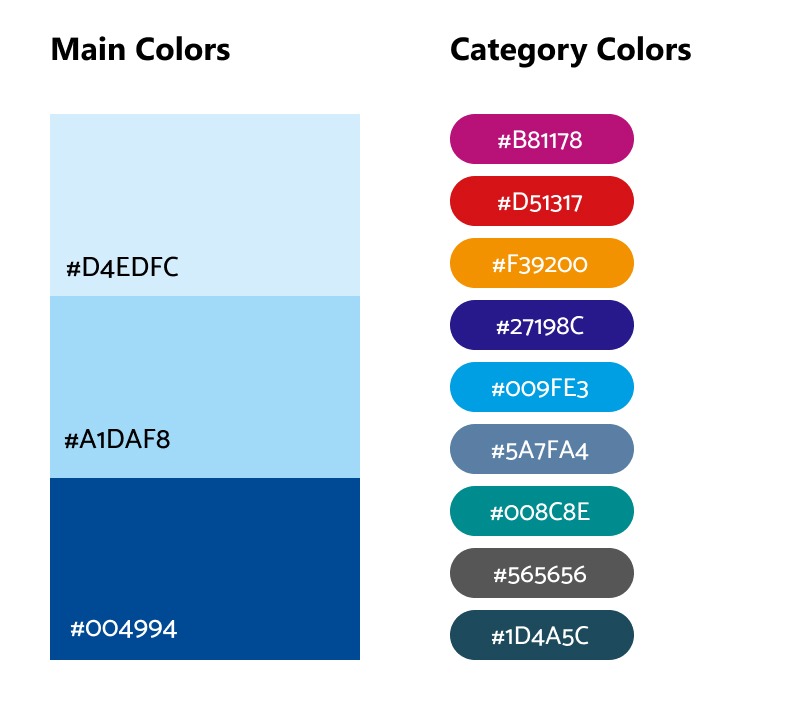
Colors
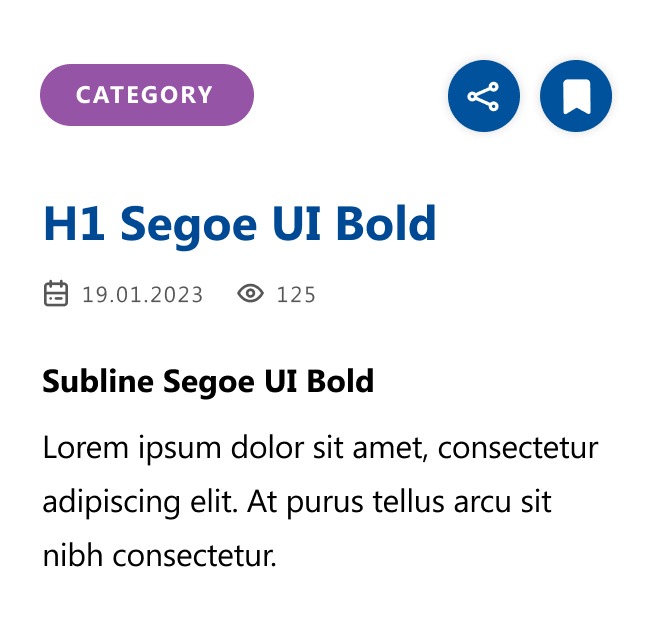
Writings
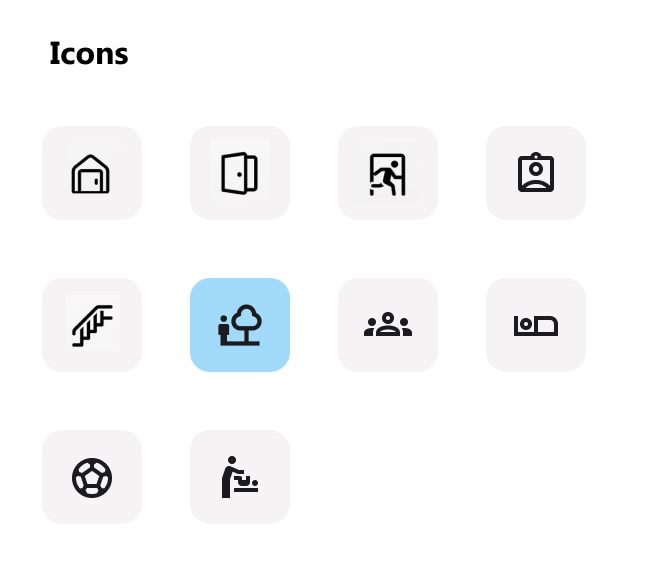
Icons
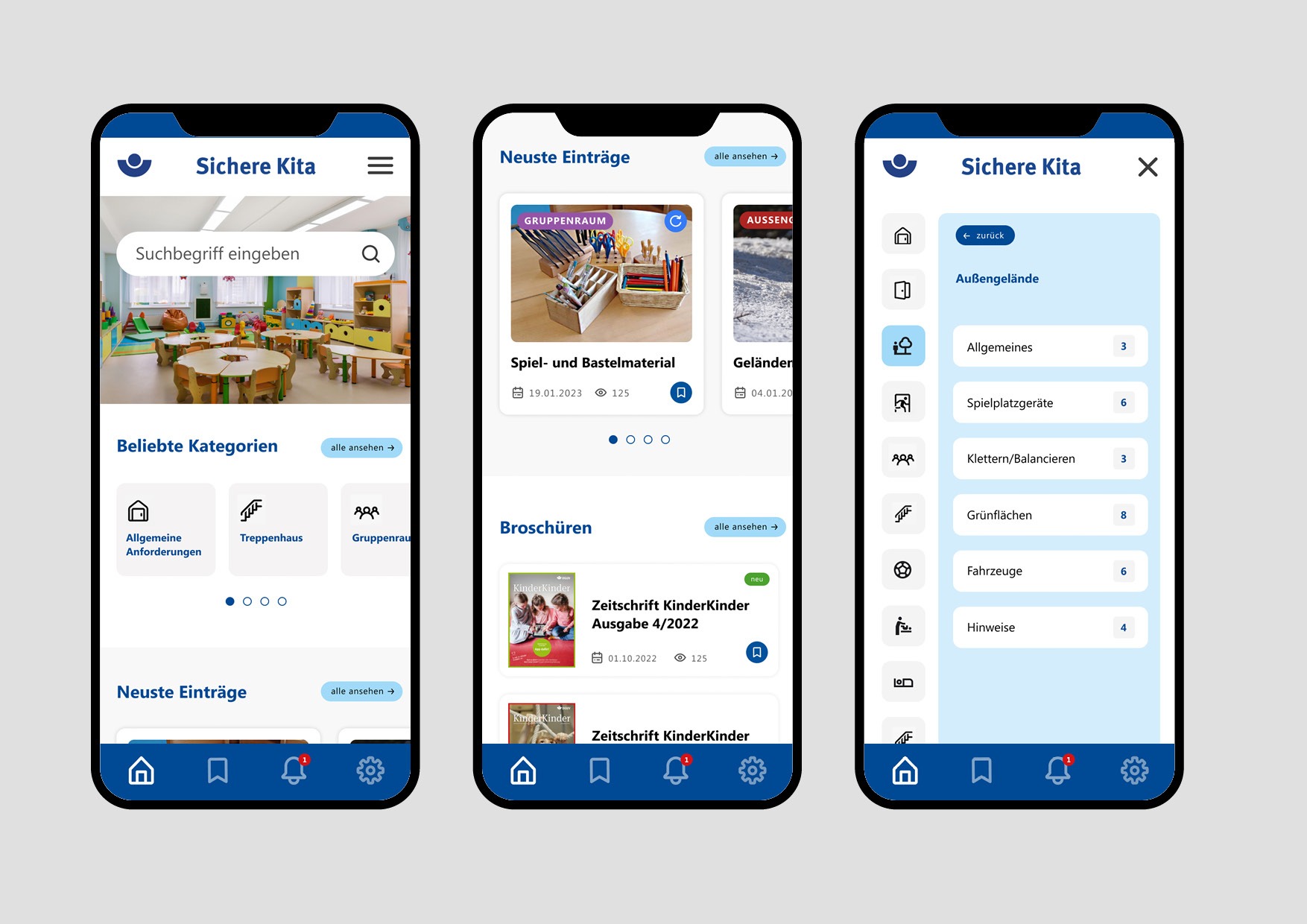
Menu guidance
Home screen
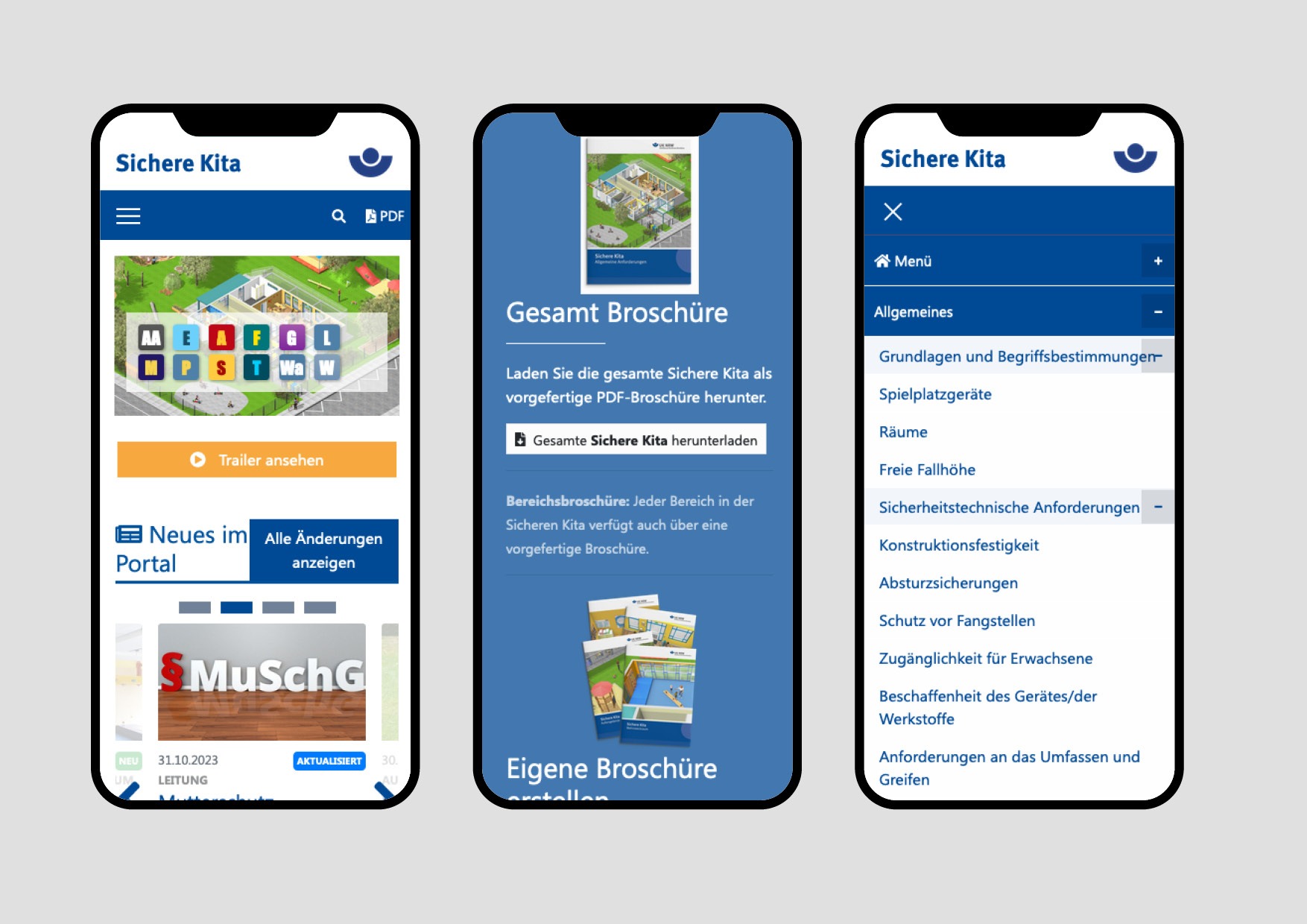
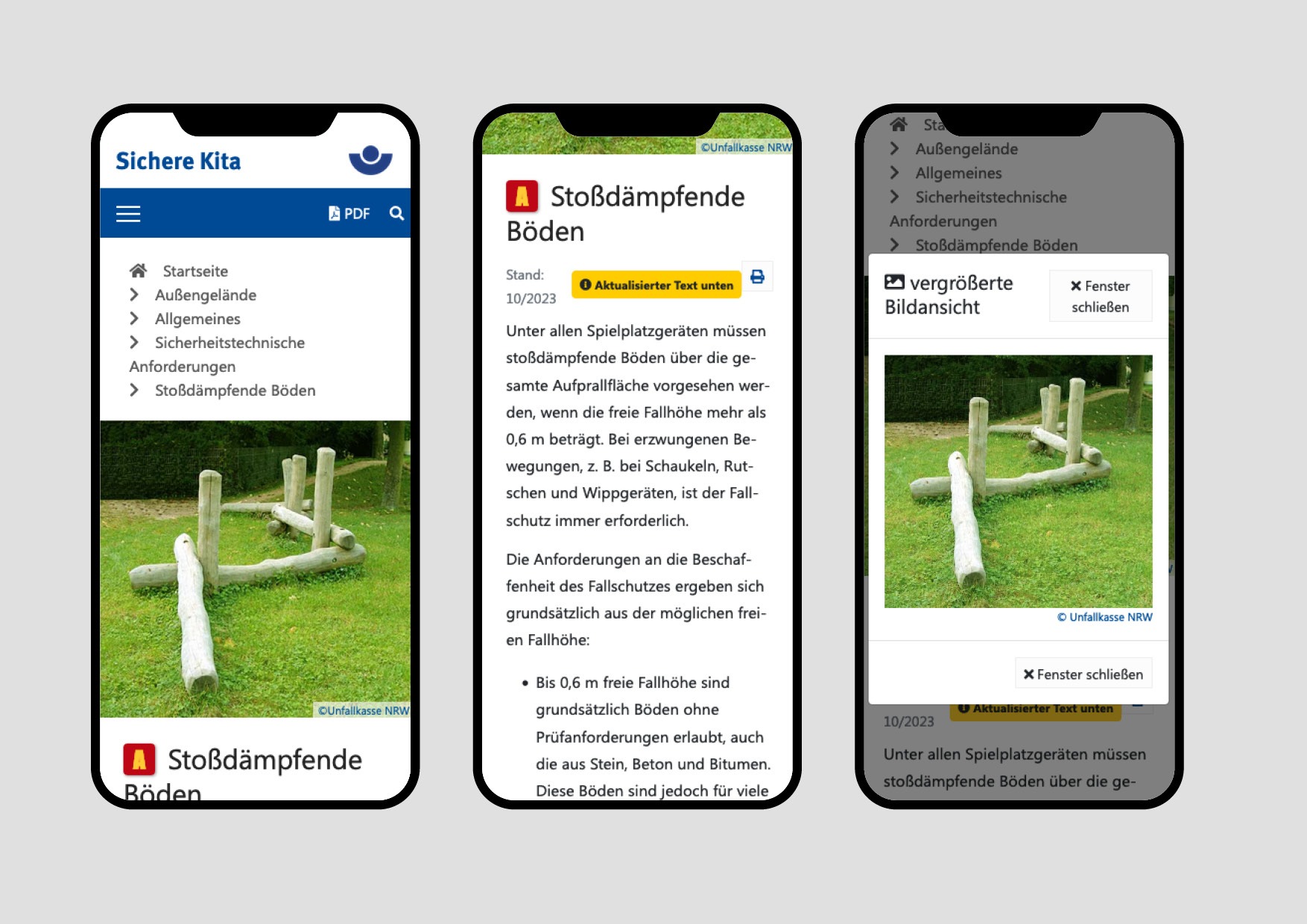
Old homepage
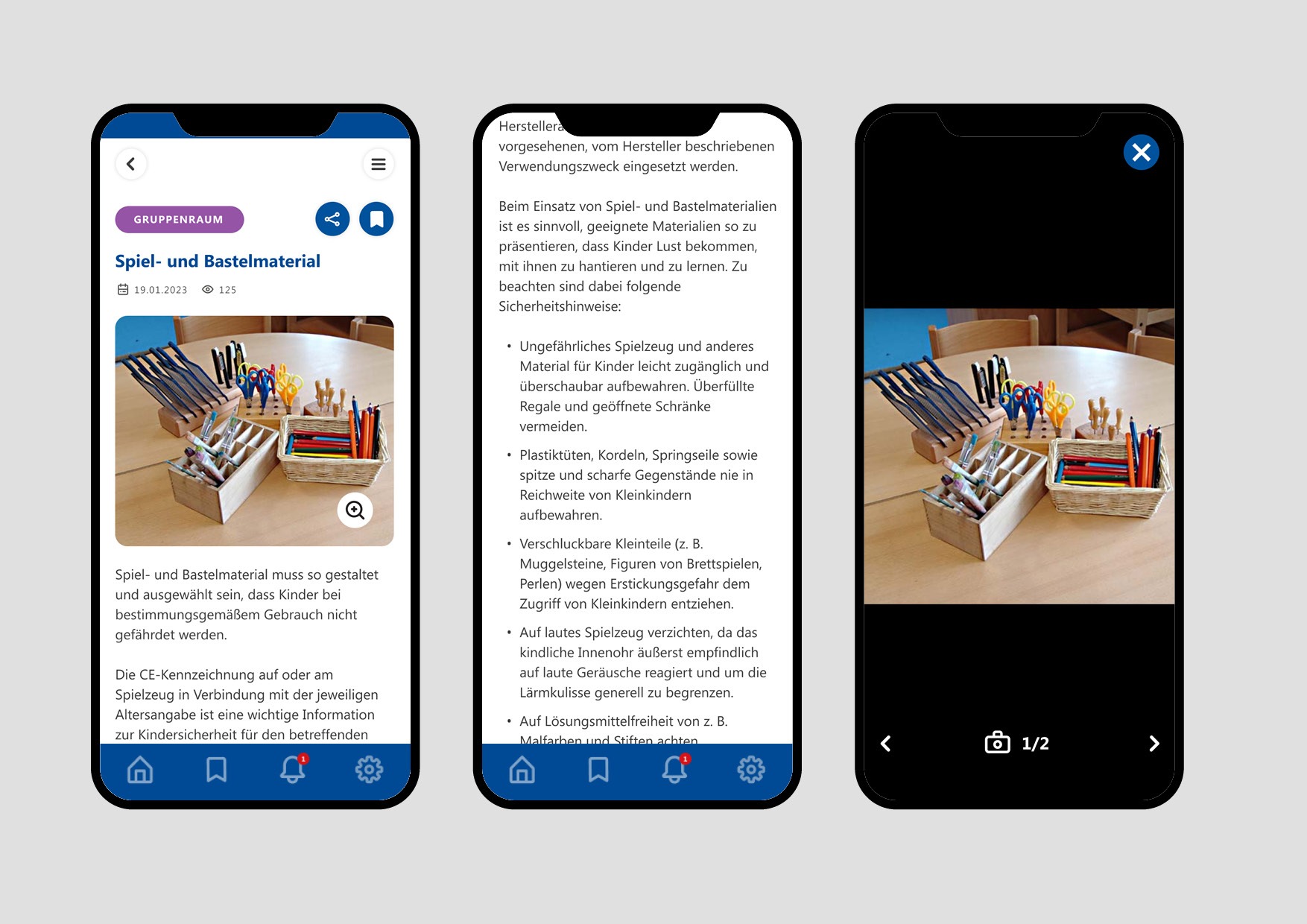
Article page
Old article page

Conclusion
The new app is much more appealing and easier to handle and use. It offers important functions that were previously missing on the old information platform and gives users the opportunity to access information quickly, easily and on the move.